Every portrait you see, optimised.
5iveHead for the web raises the standard of every portrait on the pages you visit, automatically.


On every page you visit
News, reference, video, sport and everything else. If there is a portrait, 5iveHead will find it.


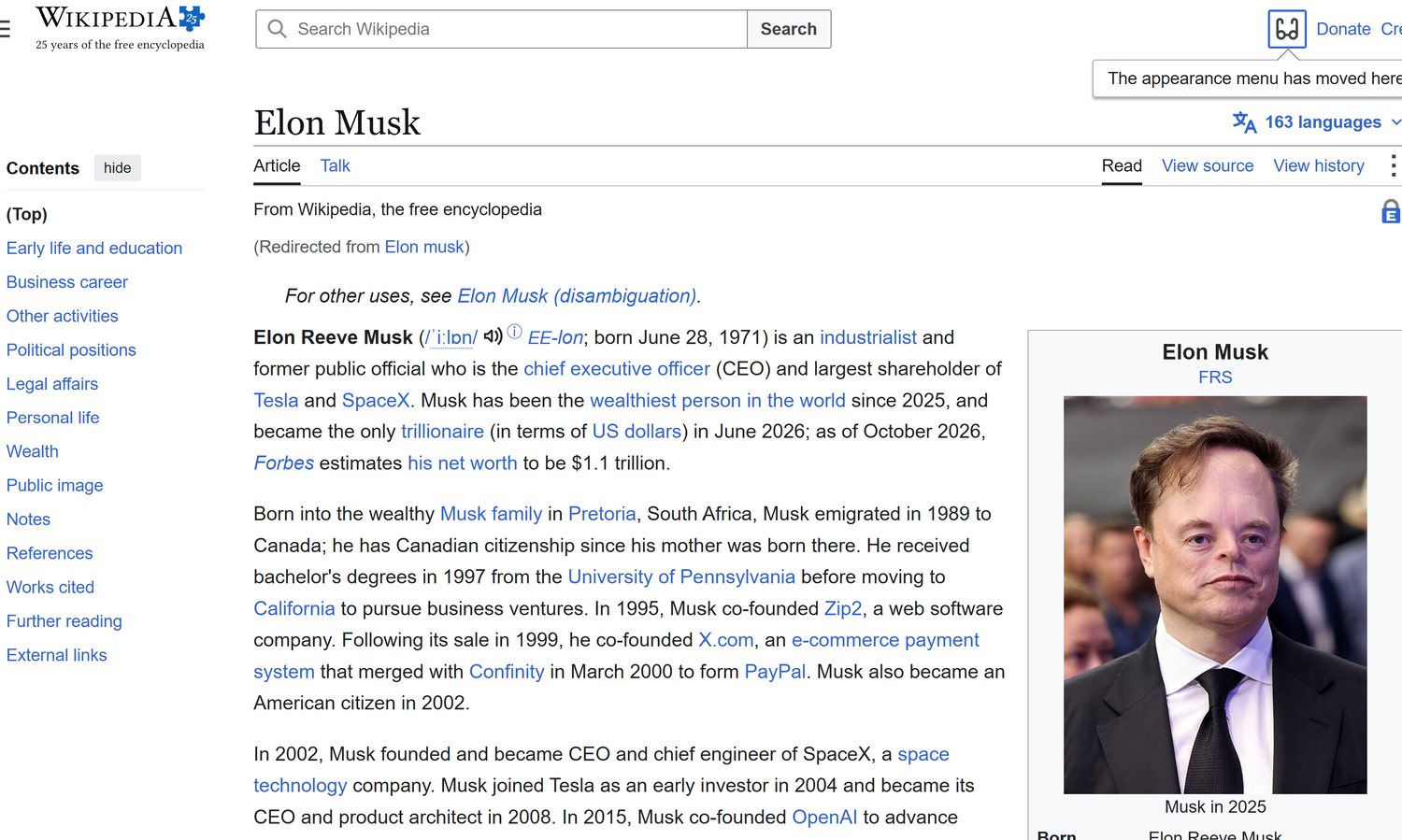

Screenshots show the developer preview running in Chrome. Third-party names and images belong to their owners.
Choose your level
Four levels, from the original to Executive. Switch at any time from the toolbar and every portrait on the page updates.
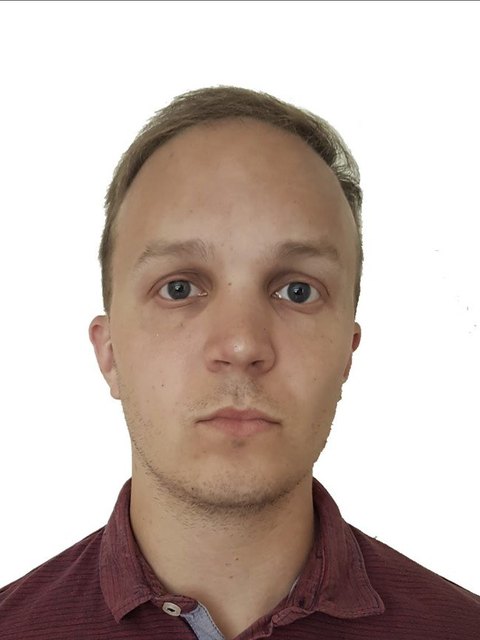
Partner
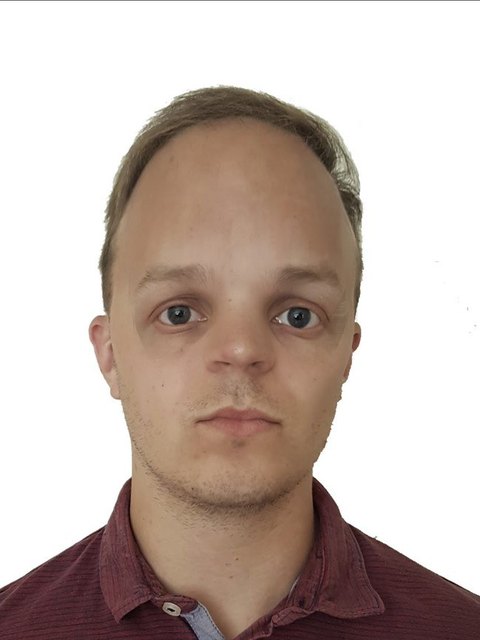
Partner
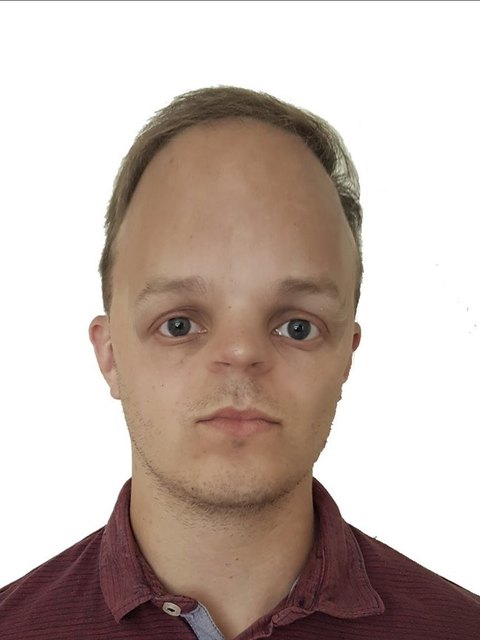
Partner
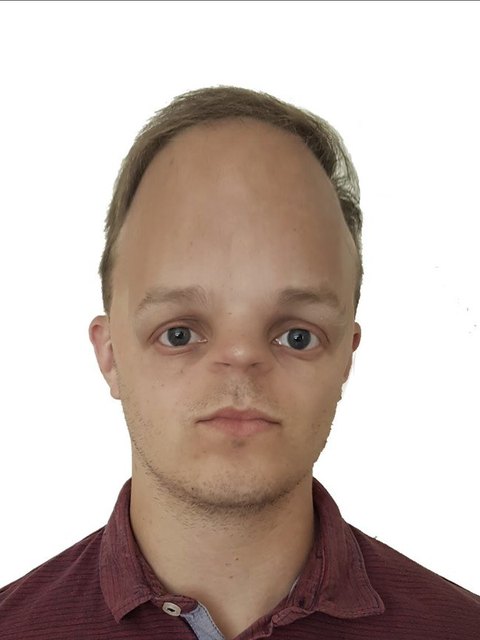
Managing Partner
How it works
It runs quietly in the background and works on any website.
Browse as normal
5iveHead looks for portraits as pages load, including feeds that update as you scroll.
Portraits are optimised
Each portrait is processed on your device and replaced in place, at the level you choose.
Switch it off any time
Use the toolbar icon to change the level or restore the original portraits.
Install the developer preview
- Download and unzip the extension.
- Install Node 18 or newer, then run
node setup.mjsin the folder. This downloads the face model files once, because Chrome extensions can't load code from the internet. - Open
chrome://extensions, turn on Developer mode, choose Load unpacked and select the folder.
Portraits are never uploaded. The preview works in Chrome, Edge and other Chromium browsers. A Chrome Web Store version is coming soon.